Best CRM Tools for Small Businesses: What to Check
A practical guide to choosing CRM tools that track leads, deals and follow-ups, with a checklist and a one-week test plan for small Indian teams.
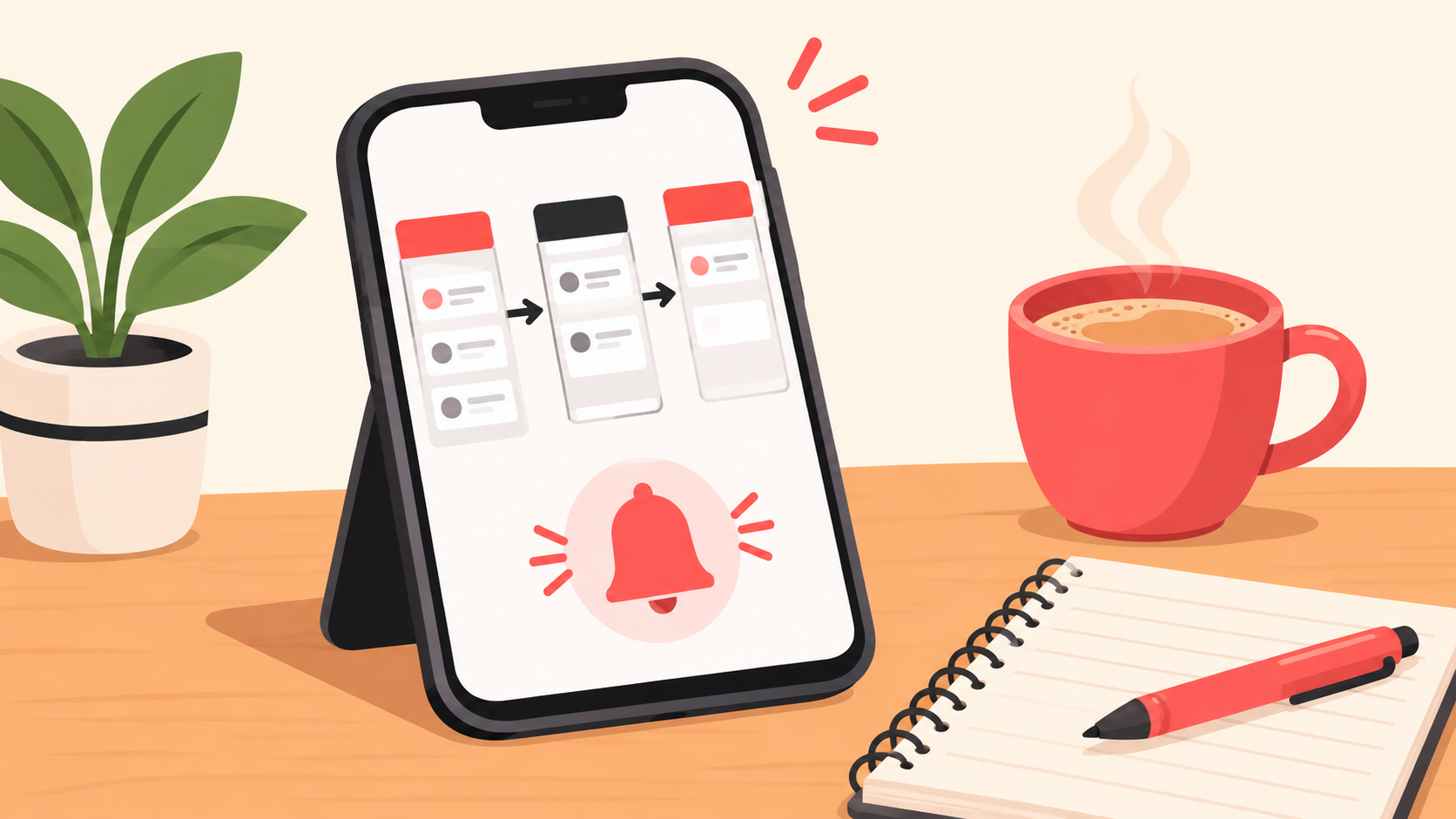
The best CRM tools for small businesses do three things well: they capture every lead, show where each deal stands, and remind your team to follow up. Everything else is a bonus. If a tool does those three jobs and your team actually uses it, it is the right one.
This guide explains the types of CRM tools available, what to check before you choose, and how to test them in a week. It is written for owners and sales managers of small Indian businesses who are tired of lost leads and missed calls.
What a CRM must do for a small business
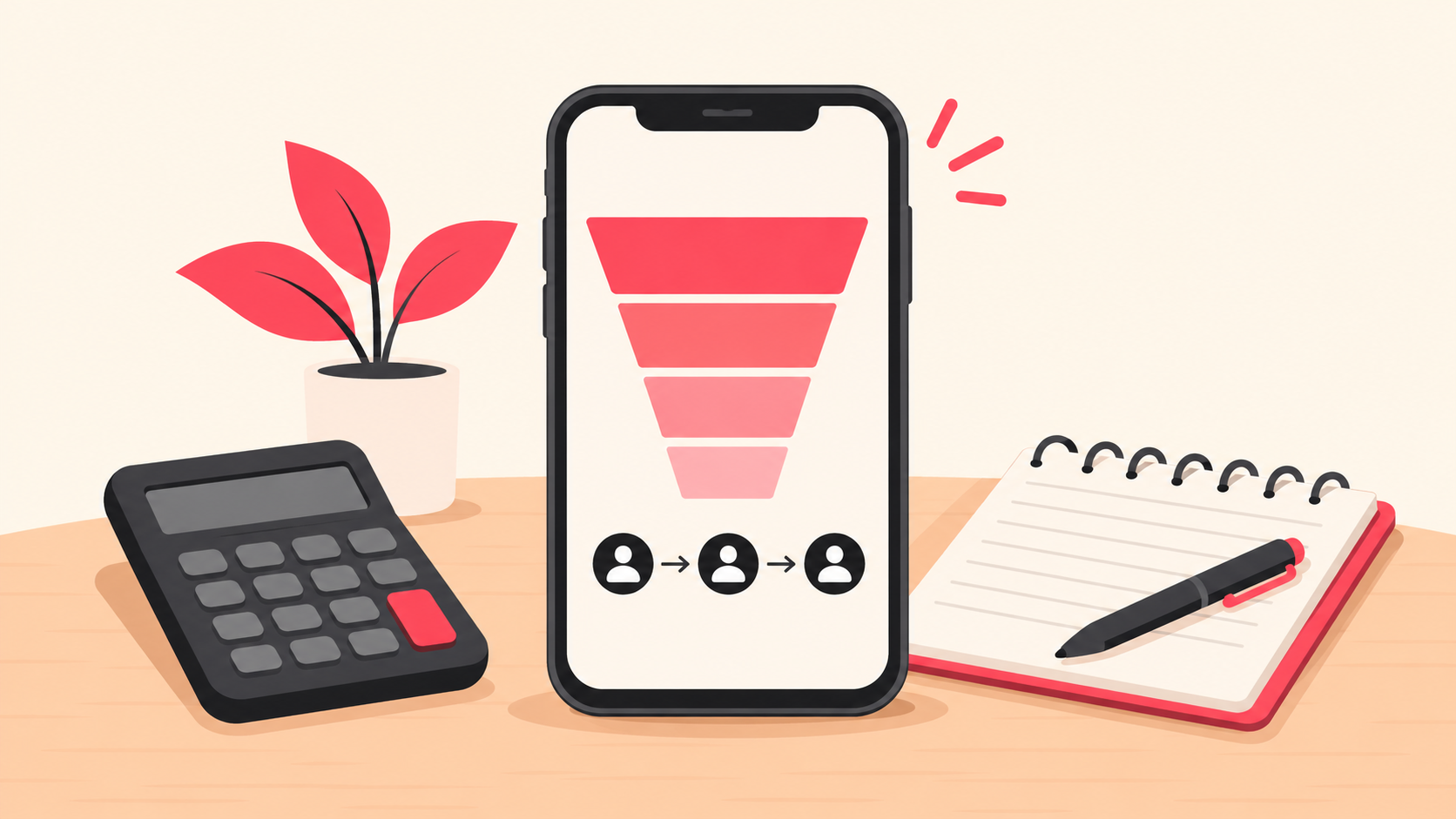
Most small teams do not need a huge system. They need a clear place to answer four questions every morning:
Who enquired in the last 24 hours?
Who owns each lead?
Which follow-ups are due today?
Which deals are close to closing?
If a tool cannot answer these in under a minute, it will not fix your problem. It will only become another sheet to update. If you are still on Excel, read our guide on the signs you need a CRM instead of Excel.
Types of CRM tools small businesses can choose from
1. Simple contact managers
These store names, numbers and notes. They are cheap and easy, but they usually lack lead assignment, reminders and pipeline views. They suit a one-person business with few enquiries.
2. Lead management CRMs
These are built around the lead: capture it, assign it, follow it up, and track it to a result. For businesses that live on enquiries, such as real estate, coaching, insurance, clinics and agencies, this is usually the best fit.
3. Large all-in-one suites
These cover marketing, service, accounting and more. They are powerful, but small teams often use a fraction of the features and spend weeks on setup. Choose one only if you really need the extra modules.
The checklist: what to look for in a CRM
Lead capture
Leads arrive from website forms, ad forms, calls and walk-ins. Check that the tool can bring them into one place automatically. Manual entry is where leads go missing.
Lead assignment
Every lead needs one owner. Look for clear assignment to team members so nobody assumes someone else called. Our post on lead response time shows why the first few minutes matter.
Follow-up reminders
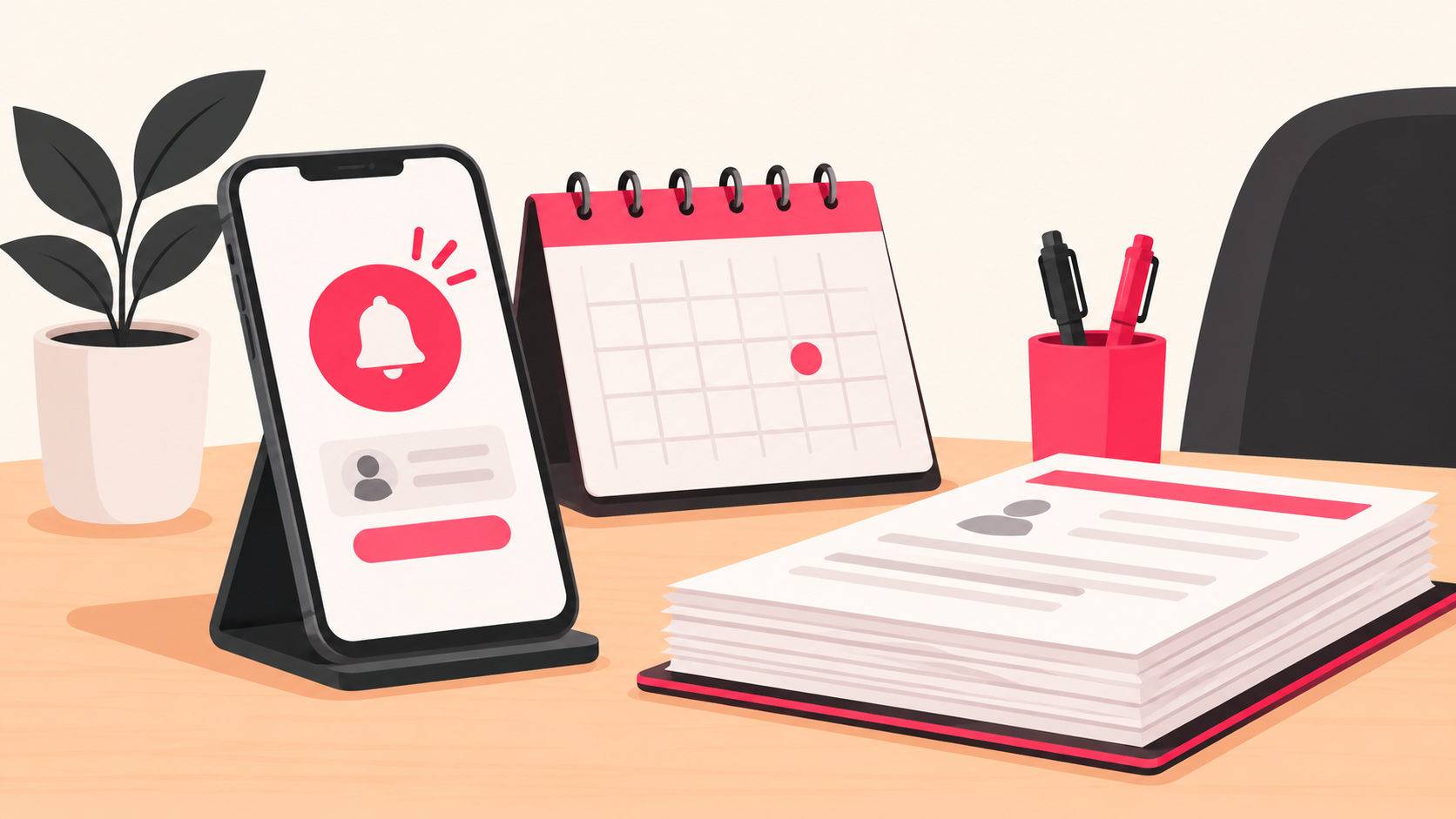
This is the feature that pays for itself. The tool should remind the right person at the right time, and show overdue follow-ups clearly. A reminder you must set up in five clicks will be skipped.
A visual sales pipeline
You should see leads move through stages, from new to contacted to negotiation to won or lost. A pipeline view helps a manager spot stuck deals fast. For more on this, see our list of sales pipeline tools for 20 to 50 person teams.
Call tracking
Most Indian small businesses sell over the phone. Being able to log and track calls against a lead gives you a real history instead of memory and guesses.
A mobile app
Sales teams are rarely at a desk. If follow-ups and lead details are not on the phone, your team will go back to WhatsApp chats and notebooks.
Simple analytics
You need to know which source brings the best leads, how many are followed up, and where deals drop. Basic, clear reports beat complicated dashboards nobody opens.
Ease of use
If new staff cannot learn it in an afternoon, adoption will fail. Ask the sales team to try it, not just the owner.
A quick comparison table
NeedContact managerLead management CRMLarge suiteLead capture from formsRareCore featureYes, often extra setupFollow-up remindersBasic or noneCore featureYesSetup timeVery shortShortLongBest forSolo sellersEnquiry-driven teamsLarge, complex teams
How to compare CRM tools in one week
Write down your process. List where leads come from, who calls them and what stages a deal goes through.
Shortlist two or three tools. More than that creates confusion.
Import 50 real leads. Test with your own data, not demo data.
Run it for three days with the team. Watch whether follow-ups get done on time.
Check the cost honestly. Confirm current pricing on each vendor's website, and count per-user fees for your whole team.
Be careful with "best CRM" lists written by the vendors themselves. They tend to rank their own product first. Free trials and your own team's feedback are better guides. Our buying guide for small business CRMs goes deeper on this.
Common mistakes when choosing a CRM
Buying for features you will not use. More buttons do not mean more sales.
Skipping team training. A tool nobody opens is wasted money.
Not deciding who owns the data. Name one person who keeps the CRM clean.
Ignoring the follow-up habit. The software helps, but the team still has to act on reminders.
Questions to ask before you pay
Can a new team member find their leads for today in one screen?
What happens when an employee leaves? Can you reassign their leads quickly?
Can you see which follow-ups are overdue without asking anyone?
Does it work well on a basic phone and a slow connection?
Can you export your data if you decide to switch later?
These questions matter more than a long feature list. A tool that answers all five clearly will save your team hours each week. For festive peaks, when enquiries jump, also read our festive season lead follow-up plan.
Where LeadGo fits
LeadGo is a lead management CRM for small and medium businesses in India. It captures leads from forms and websites, assigns them to team members, reminds the team to follow up, and tracks your sales pipeline and calls. It also has analytics and a mobile app, so your team can work from the phone.
It is built for enquiry-driven businesses such as real estate, education and coaching, insurance, clinics, agencies and local services. If your biggest problem is leads slipping through the cracks, a lead-first tool is a sensible place to start.
FAQs
What is the best CRM for a small business?
The best one is the one your team uses daily. Pick a tool that captures leads, assigns them, sends follow-up reminders and shows your pipeline. Test two or three with real leads before deciding.
Do small businesses really need a CRM?
Once you handle more enquiries than one person can remember, yes. A CRM stops leads from getting lost and makes follow-ups routine instead of random.
Can I just use Excel or Google Sheets?
You can at the start. But sheets do not remind anyone, do not assign leads and get messy with several users. See why to stop using spreadsheets for your sales pipeline.
How long does it take to set up a CRM?
A lead-focused CRM can be running in a day or two if you have your stages and team list ready. Large suites often take weeks.
How do I get my team to use the CRM?
Keep it simple, train everyone, and make the CRM the only place for leads and follow-ups. Review it in your weekly sales meeting.
Ready to see how it works for your team? Try LeadGo and bring your leads, deals and follow-ups into one place.