Best CRM for Small Business on a Budget (2026)
Choosing a CRM for small business on a budget? Learn which features matter, what to skip and how to test tools with your team before you pay.
The best CRM for a small business on a budget is the one your team will open every day, that costs less than the leads you lose without it, and that does not charge you for features you will not use. For most small Indian teams, that means a simple CRM that captures leads, assigns them, reminds you to follow up and shows your pipeline.
This guide shows how to choose a CRM for small business on a budget in 2026, what to ignore, and how to test a tool before you commit.
What "on a budget" really means
A low sticker price is only part of the cost. Three things decide what a CRM really costs you.
Subscription cost. Per-user pricing grows as your team grows. Check what happens when you add the fifth, tenth or twentieth person.
Setup time. A tool that takes weeks to configure costs you sales hours. Simple tools get you running in days.
Missed follow-ups. A cheap tool that nobody uses costs the most, because leads still go cold.
Always check current pricing on the vendor's own page. Prices, free plans and limits change often, and many "best CRM" lists are written by vendors promoting their own product.
The few features a small team needs
Do not buy a CRM for its feature list. Start from the problems you have today. Most small sales teams need only these.
1. Lead capture in one place
Leads arrive from website forms, ads, calls, WhatsApp and referrals. A CRM should collect them in one list so nothing sits in a personal phone or a notebook.
2. Clear lead assignment
Every lead needs one owner. If two people think someone else will call, nobody calls. Read our guide on lead assignment for small sales teams for simple rules you can start with.
3. Follow-up reminders
This is where most small businesses lose money. A good CRM tells each person who to call today and what was said last time. Fast replies matter too, as we explain in our lead response time guide.
4. A visible sales pipeline
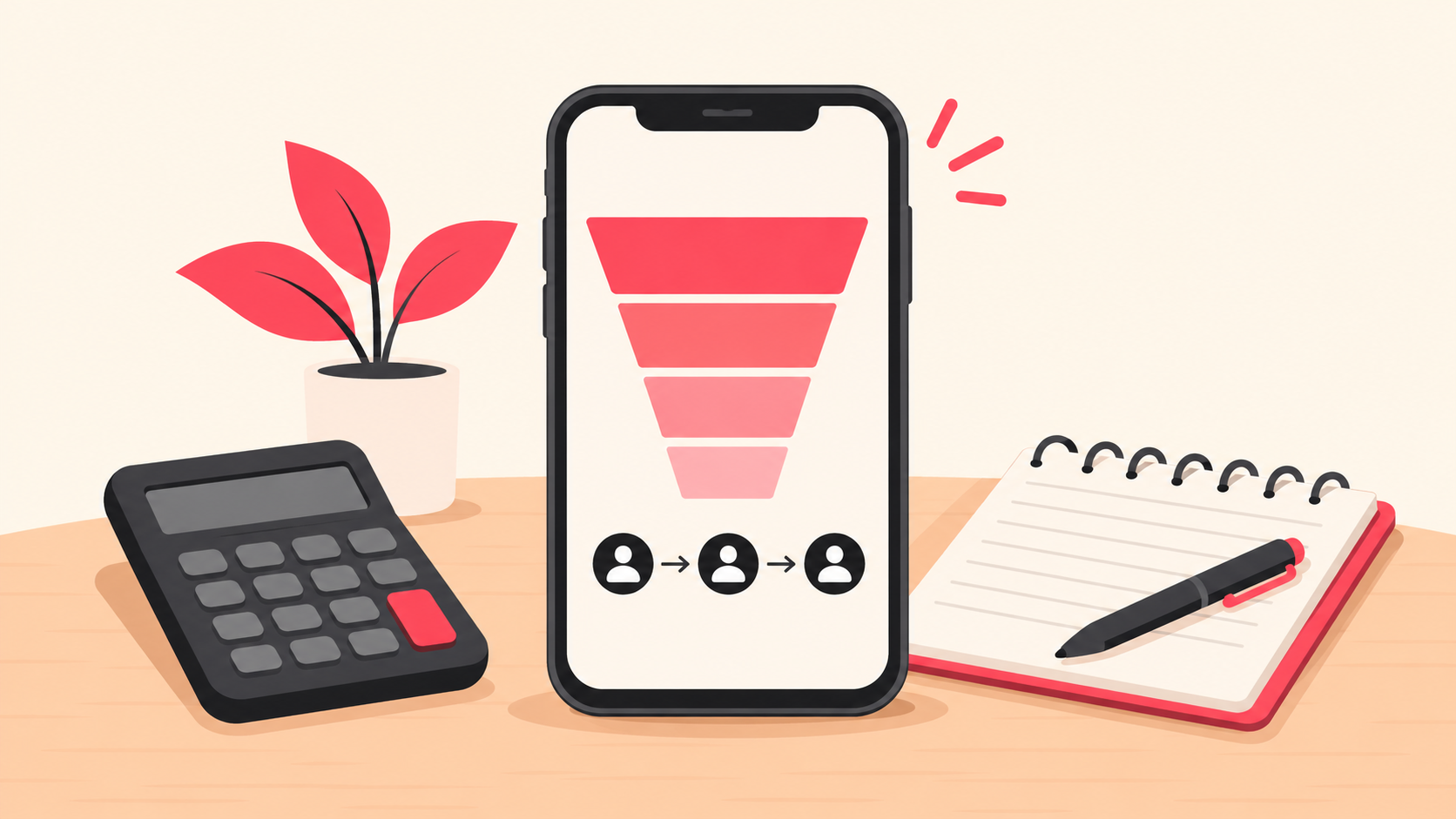
You should see at a glance how many leads are new, in discussion, at the quote stage or closed. If you cannot see the pipeline, you cannot forecast or coach.
5. A mobile app
Sales teams in India work from phones, in the field and on calls. If the CRM is hard to use on mobile, your team will go back to WhatsApp chats and notes.
6. Basic reports
You need to know where leads come from, who follows up well and where deals get stuck. Simple analytics are enough at this stage.
Features you can skip for now
Many tools bundle extras that look good in a demo but add cost and confusion. If you are a team of 3 to 20 people, you can usually wait on these:
Complex automation builders and custom scripting
Advanced forecasting modules
Large marketing suites you will not run
Dozens of integrations you will never connect
You can add them later. Moving your data when the team is ready is easier than training people on a heavy tool on day one.
Free CRM, spreadsheet or paid CRM?
Here is a quick way to compare the three common options.
OptionGood forWatch out forSpreadsheetOne person, very few leadsNo reminders, no clear owner, easy to overwrite dataFree CRM planTrying a CRM with a small teamUser, feature or record limits; upgrade costs laterPaid CRM built for SMBsTeams that need follow-up and pipeline tracking dailyPer-user costs and setup time
If you are still on Excel, see our posts on which CRM to replace spreadsheets and 5 signs you need a CRM to know when to switch.
How to compare CRM tools in one afternoon
You do not need a long evaluation. Follow these steps.
Write down your top three problems. For example: leads get lost, nobody follows up, I cannot see the pipeline.
Shortlist two or three tools. More than that creates confusion.
Load 20 real leads into each. Do not test with sample data.
Ask your team to use it for a week. Watch whether they actually log calls and set reminders.
Check the real total cost. Count your team size today and in one year, plus any add-ons.
The tool that your salespeople find easiest is usually the right one. A CRM only pays back when it gets used.
India-specific things to check
Some points matter more for Indian small businesses than for global lists.
Lead sources. Can it capture leads from your website forms and the channels you use?
Calls and WhatsApp. Most sales conversations happen here. See our plan for WhatsApp lead follow-up.
Data and consent. Lead data is personal data. Understand how the tool stores it and how you record consent, as covered in our DPDP Act lead data checklist.
Industry fit. Real estate, coaching, insurance, clinics and agencies all follow up differently. Pick a tool that fits how you sell.
Where LeadGo fits
LeadGo is a lead management CRM for small and medium businesses in India. It captures leads from forms and websites, assigns them to team members, reminds the team to follow up, and tracks your sales pipeline and calls. It also has analytics and a mobile app. It is built for teams who want to stop losing leads, not to run a large enterprise setup.
Common mistakes to avoid
Small teams often pick a tool because a friend uses it, or because a demo looked impressive. Then the team finds it slow, skips data entry and the CRM becomes another empty list.
Avoid this by involving the people who will use it daily. Ask them what slows them down. Keep the first setup small: a few pipeline stages, one rule for assigning leads and one rule for follow-up timing. You can refine it every month.
A simple checklist before you buy
Does it solve my top three problems?
Can my team learn it in a day?
Does it work well on mobile?
Do I know the cost for my team size next year?
Can I export my data if I leave?
FAQs
Which CRM is best for a small business on a budget?
There is no single best tool. Pick a CRM that covers lead capture, assignment, follow-up reminders, pipeline tracking and mobile access, and whose total cost fits your team size. Test two or three with real leads before you decide.
Is a free CRM enough for a small business?
It can be, to begin with. Free plans often limit users, records or features. Check those limits and the price of upgrading so you are not surprised when your team grows.
Can I just use Excel or Google Sheets instead of a CRM?
For one person with few leads, yes. Once several people share leads, spreadsheets make reminders, ownership and pipeline tracking hard. Our guide on tools to track a sales pipeline after spreadsheets explains the next step.
How long does it take to set up a CRM?
A simple CRM can be set up in a few days: import leads, add your team, define pipeline stages and set follow-up rules. Heavy tools with many modules take much longer.
What should I look for first in a CRM?
Follow-up reminders and a clear owner for each lead. These two features stop most lost deals.
Ready to stop losing leads? Try LeadGo and see how simple follow-up and pipeline tracking can be for your team.